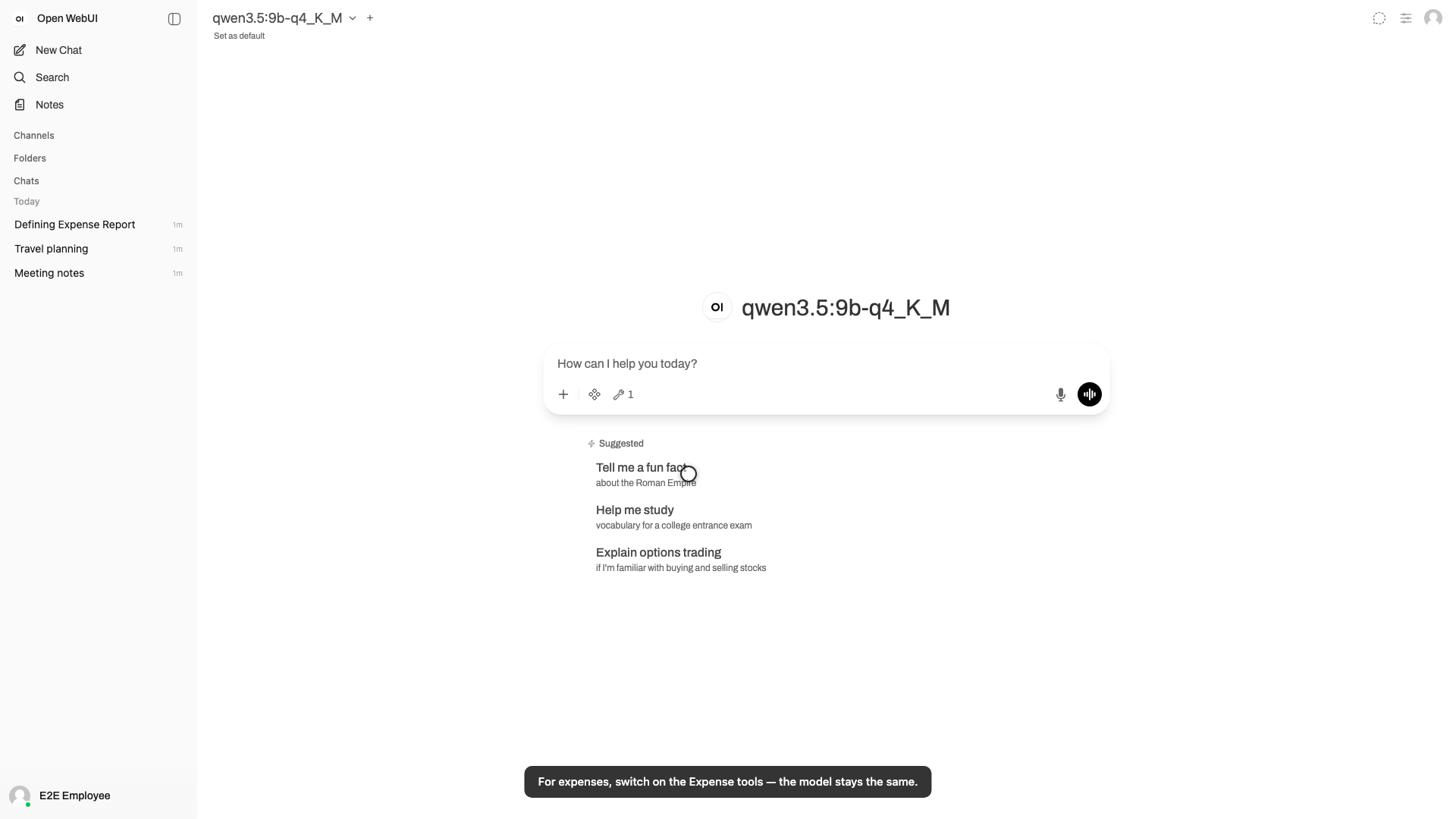
Objective: Your first five minutes: sign in, find your way around the workspace, chat with the self-hosted model, and switch on the Expense tools. Persona: E2E Employee (claimant Asha). Duration: ~1 min.
Suggested narration (one segment per on-screen caption, in order):
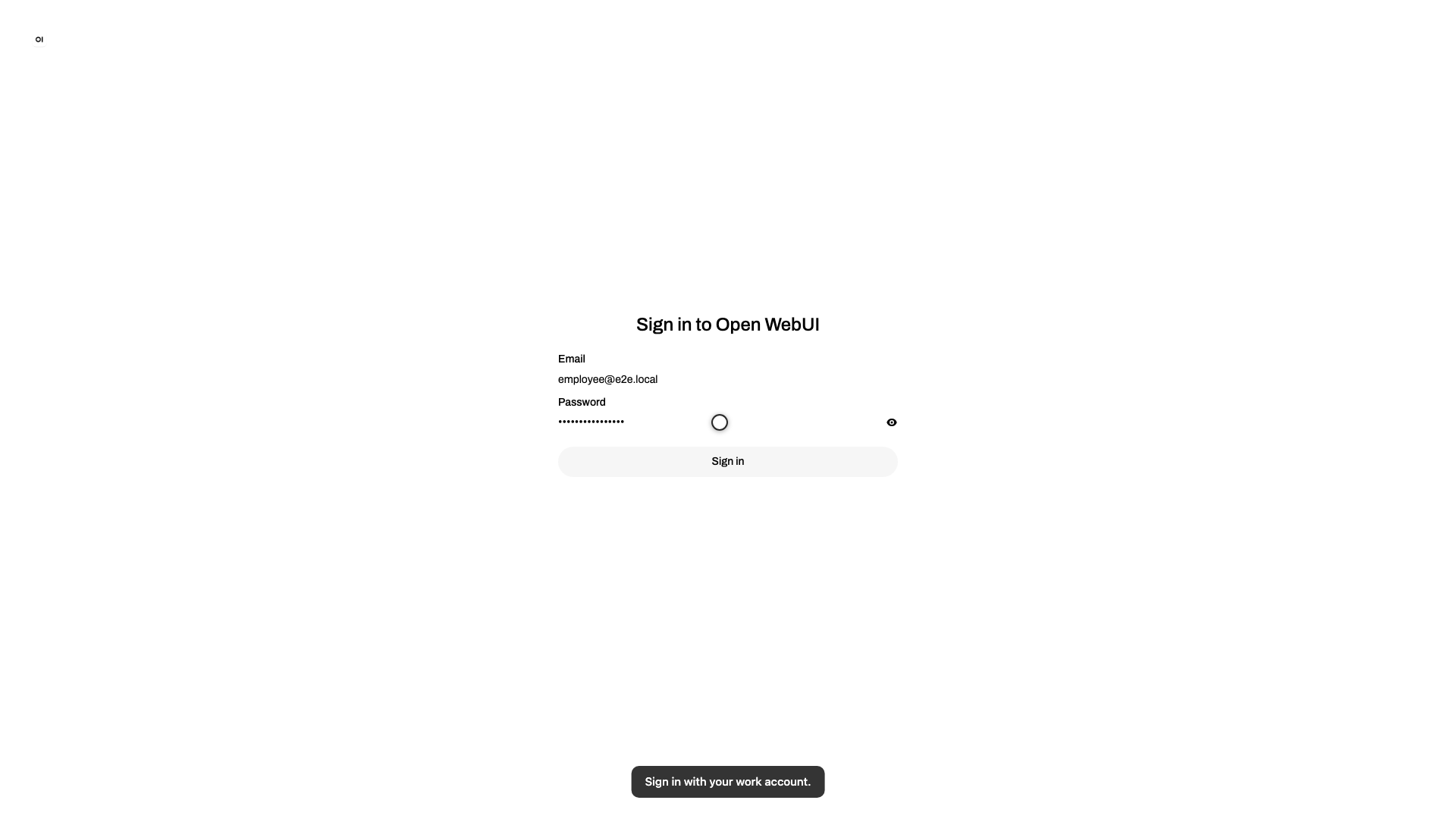
Welcome to Superapp. Sign in with your work account — that's all it takes.
Everything you've ever discussed lives in the sidebar. Open it whenever you
need to pick up an old thread.
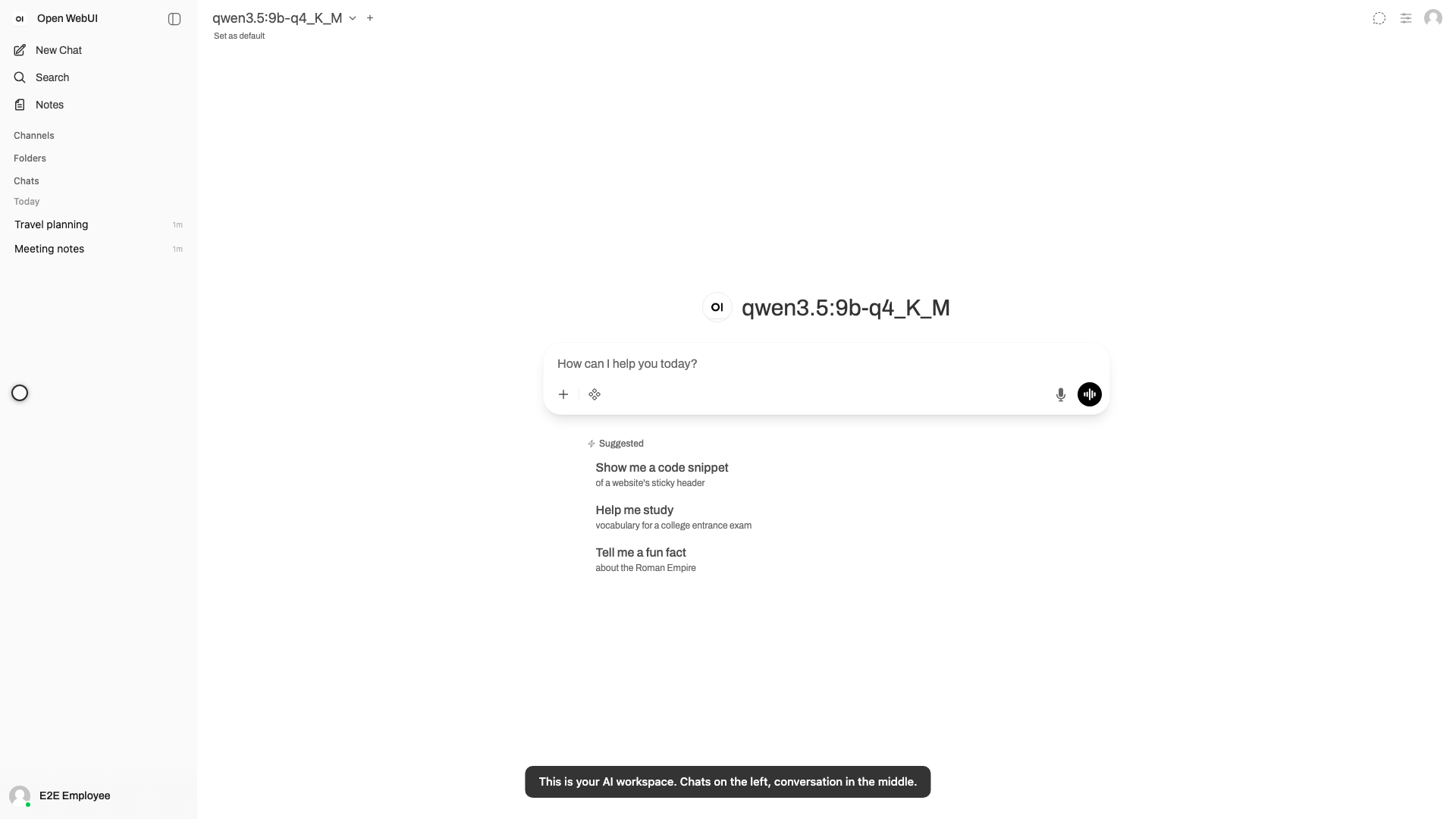
This is your workspace: your chats on the left, the conversation in the
middle. There's nothing else to learn.
Choose the model you want to talk to. It runs on your company's own
infrastructure — your words never leave the building.
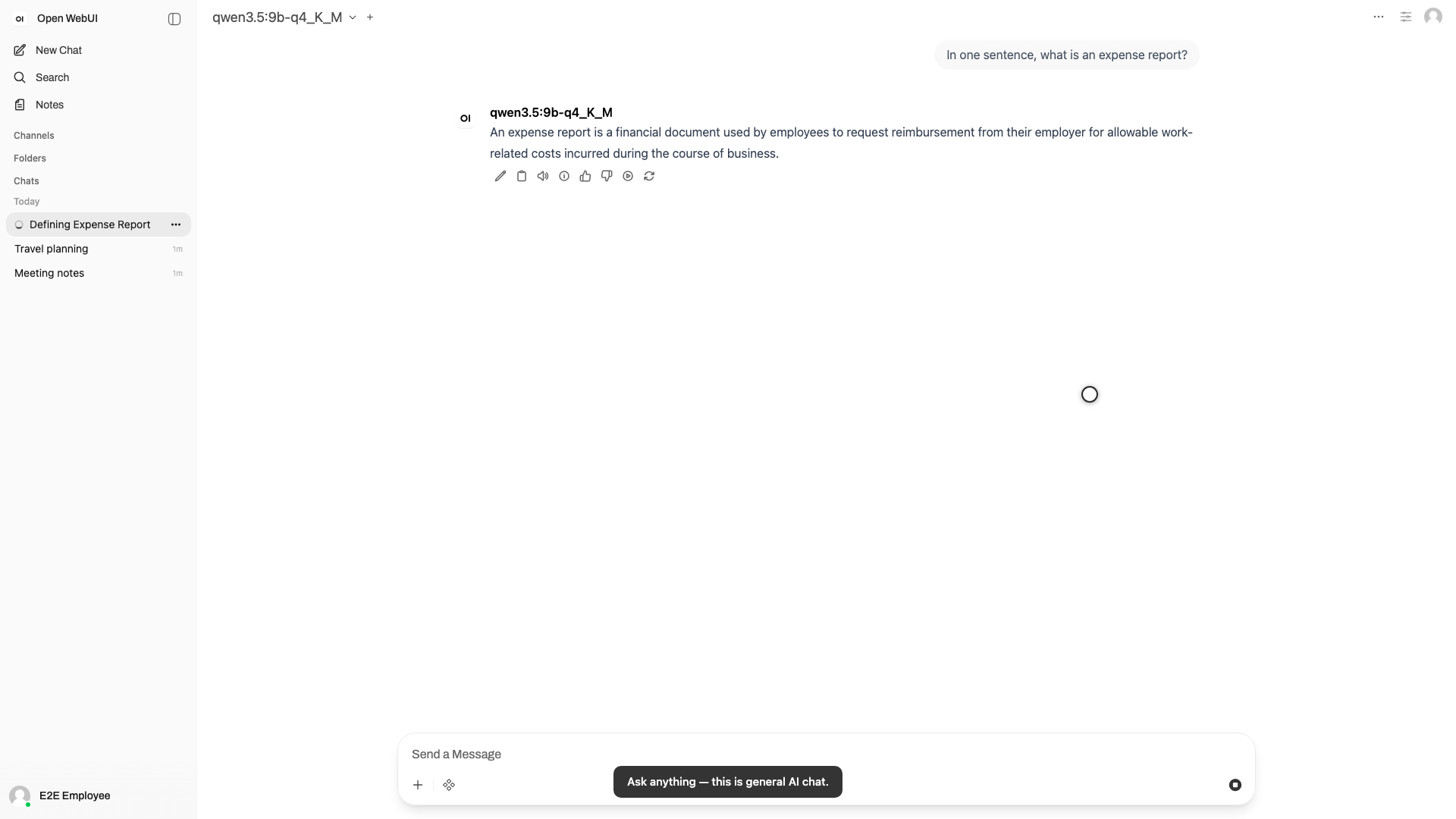
And then just ask. This is a full AI chat, so anything you'd ask an
assistant, you can ask here.
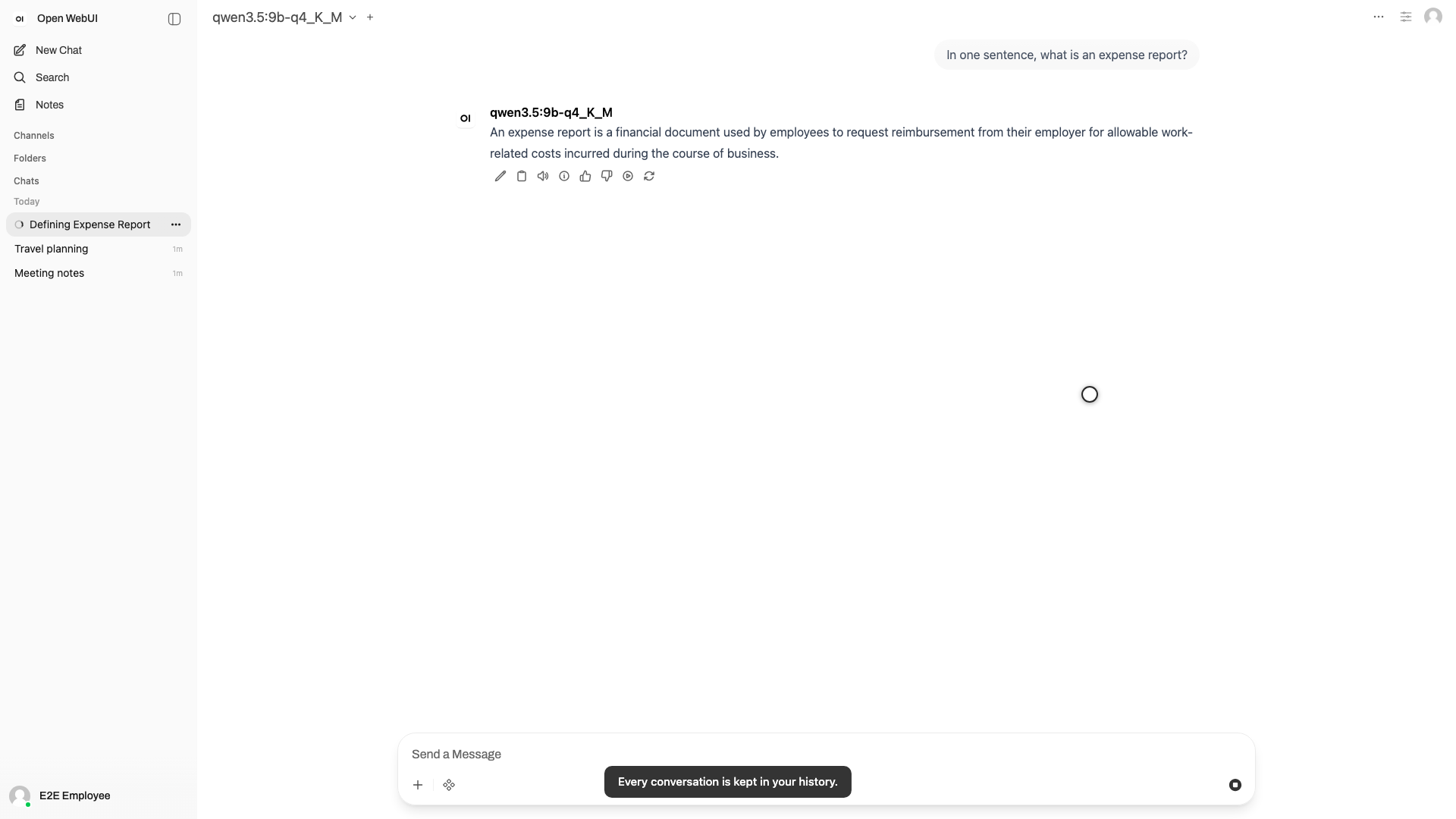
Every conversation is saved to your history automatically — nothing to
remember, nothing to lose.
When you want a clean slate, New Chat starts one.
Here's the part that makes this a workplace, not a chatbot: switch on the
Expense tools. Same chat, same model.
Now the assistant can actually act on your expenses — and that whole flow
is the next tutorial.